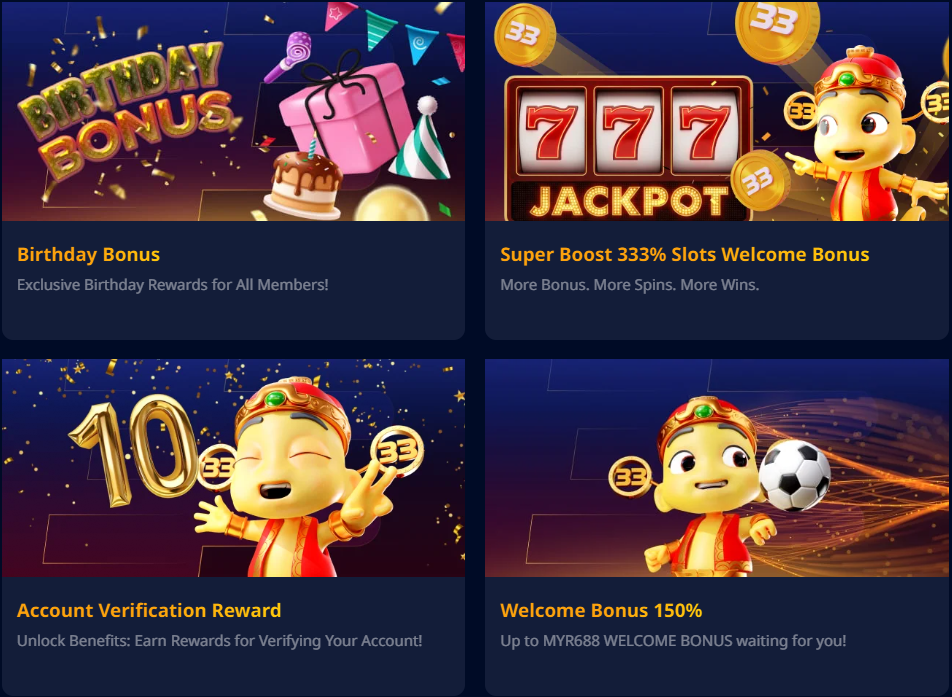
Opening a UWin33 account takes under two minutes and gives you immediate access to 500+ casino games, four sportsbook providers, live dealer tables, fishing arcade games, 4D lottery and your full welcome bonus package. This guide covers the complete process: registration, first login, every supported payment method, and what account verification involves.
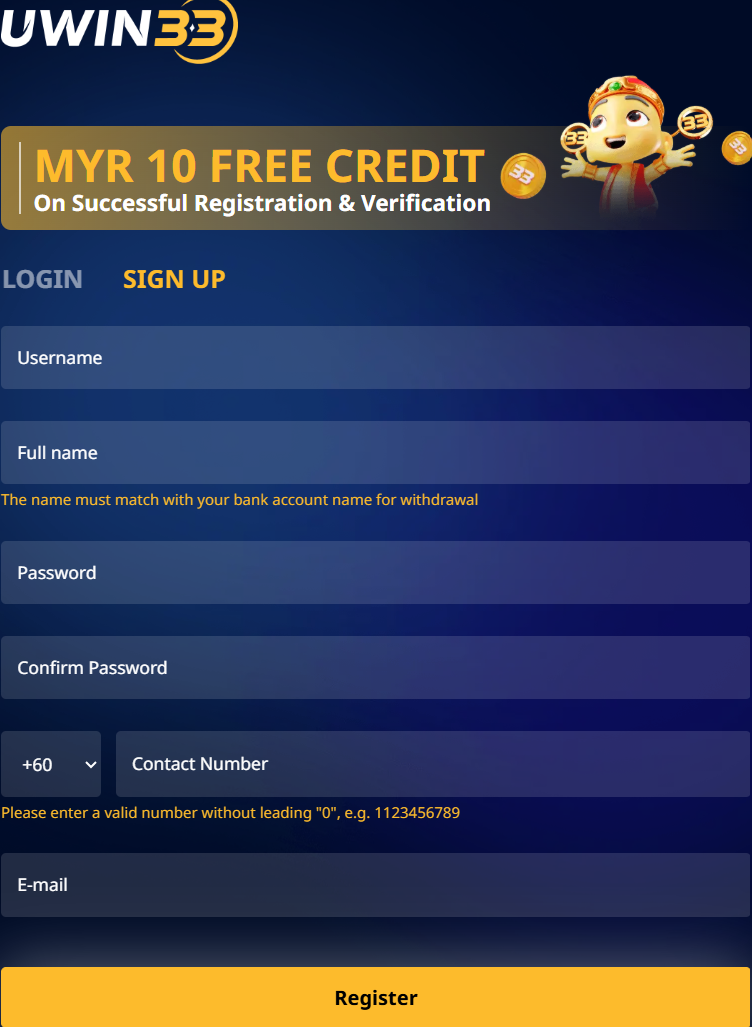
Registration — 7 Steps
- Click Register — use any green button on this page to reach the official UWin33 sign-up screen.
- Enter your personal details: full legal name (as on your MyKad or passport), date of birth, Malaysian mobile number, and email address.
- Set your currency to MYR — the Malaysian Ringgit option optimises the platform for local payment methods and display.
- Create a strong password: minimum 8 characters, mixing uppercase, lowercase, digits and a symbol. Do not reuse passwords from other platforms.
- Verify your phone number via the OTP sent by SMS. The code expires after 5 minutes — request a new one if it doesn't arrive.
- Accept the Terms & Conditions and confirm you are 18 or older.
- Select your welcome bonus in the Promotions tab before making your first deposit. This step must be done before depositing — the bonus cannot be applied retroactively.
Logging In to Your Account
Return players use the Login / Register button at the top of the UWin33 site or app. Enter your registered mobile number (or username) and password. For maximum security, enable SMS OTP two-factor authentication from Account Settings → Security.
| Login Problem | Fix |
|---|---|
| Forgotten password | Click "Forgot Password" — reset link sent to registered email or phone |
| OTP not arriving | Check mobile signal · Request new OTP · Expires in 5 min |
| Account suspended | Contact 24/7 live chat with registered details for identity verification |
| Page not loading | Clear browser cache or switch to the UWin33 Android APK |
Payment Methods
DuitNow QR — Fastest Option
Open your banking app's QR scanner, scan the UWin33 payment code, confirm the amount — deposit complete in under 15 seconds. DuitNow is supported by all major Malaysian banks and requires no eWallet balance top-up. Withdrawals via DuitNow process in 5–30 minutes on average, making it the fastest end-to-end payment option at UWin33.
| Detail | DuitNow QR |
|---|---|
| Deposit Speed | Instant |
| Withdrawal Speed | 5–30 minutes |
| Minimum Deposit | MYR 30 |
| Maximum per Transaction | MYR 10,000 |
| Fees | None from UWin33 |
FPX Online Banking
FPX connects directly to your bank account through Malaysia's national payment gateway — no eWallet needed. Authenticate with your bank app (biometrics or PIN) and funds transfer immediately. Supports all major Malaysian banks.
| Detail | FPX |
|---|---|
| Deposit Speed | Instant – 5 minutes |
| Withdrawal Speed | 5–30 minutes |
| Minimum Deposit | MYR 30 |
| Maximum Deposit | MYR 30,000 per transaction |
| Fees | None from UWin33 |
Malaysian eWallets
Touch 'n Go, GrabPay and Boost all support UWin33 deposits and withdrawals via direct app-to-app redirect. Tap, authenticate, done — the entire deposit flow takes under 20 seconds from within the eWallet app.
| eWallet | Deposit | Withdrawal | Minimum |
|---|---|---|---|
| Touch 'n Go | Instant | 15–60 min | MYR 30 |
| GrabPay | Instant | 15–60 min | MYR 30 |
| Boost | Instant | 15–60 min | MYR 30 |
Cryptocurrency — USDT
USDT via TRC-20 is the fastest withdrawal option at UWin33, typically crediting within 5–20 minutes after blockchain confirmation. Zero conversion fees from UWin33's side. Compatible with Trust Wallet, Binance, OKX and other mainstream crypto wallets.
| Crypto | Network | Deposit | Withdrawal | Minimum |
|---|---|---|---|---|
| USDT | TRC-20 | 1 confirmation (instant) | 5–20 minutes | ~USD 10 |
| Bitcoin | Mainnet | 1–3 confirmations | 20–60 minutes | ~USD 20 |
Account Verification (KYC)
Basic play begins immediately after phone OTP verification. Full withdrawal access requires a government-issued ID. Verification is completed in under 24 hours in most cases.
| Level | Required Documents | Access Granted |
|---|---|---|
| Level 1 | Mobile OTP only | Deposits + limited withdrawals |
| Level 2 | MyKad or Passport photo | Full withdrawals to standard limit |
| Level 3 | ID + selfie + payment proof | High-volume withdrawals |
Account Security Checklist
- Use a unique, strong password not shared with any other site or app.
- Enable SMS OTP two-factor authentication from Account Settings → Security.
- UWin33 support will never ask for your password — do not share it with anyone.
- Access UWin33 only via the official URL and verify the SSL padlock in your browser.
- Log out completely when using shared or public devices.
- Review your transaction history weekly — report any unrecognised activity immediately via live chat.